Download PureMobile App free on android
APK file PureMobile 1.9.8How to install APK / APKS / OBB file on Android
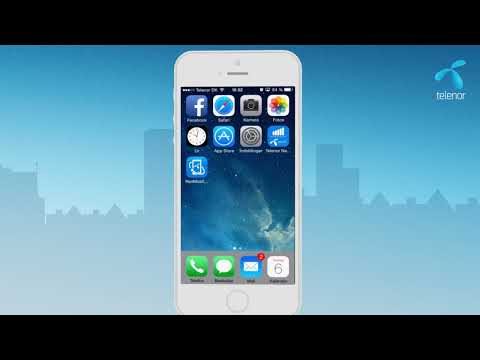

With Telenor’s PureMobile App, you and your company gain access to a range of professional mobile features. You can use the app to provide a better service to your customers, to get a more efficient workday and finally improve the internal collaboration in your company.
The PureMobile App works with all business subscriptions in Telenor.
Get started quickly. The first time you log on to the app, type in your mobile number followed by the code you receive by SMS. Then you are up and running.
Features in the PureMobile App:
• Instant contact information on all your colleagues
• Make calls or send an SMS directly from Contacts or from the Call Menu
• Advanced call forwarding
• Sign in as active or passive on call groups whenever you please
Premium content:
• Check if your colleagues are available/busy, before you call
• See your colleagues' availability for the next 8 hours.
• Change your status
• Easy call transfer to your colleagues
• Select the number you want to display for internal or external calls
Contact Telenor Customer Service to hear more about the features and benefits of the PureMobile App. Phone number: +4572120000
- LicenseFree
- File namePureMobile
- File Version1.9.8
- Package namecom.trifork.telenor.puremobile
- Size4.7 MB
- UploadedSeptember 3, 2025
- Android4.1 or later

- CategoryCommunication
- DeveloperTelenor, Denmark
- Developer sitehttp://www.telenor.dk/erhverv/
- Developer emailkundeservice@telenor.dk
- md5 hashd483fbfe93f9b4d1729c4236201544b0
- Architecture-
- Permissionsshow (21)
